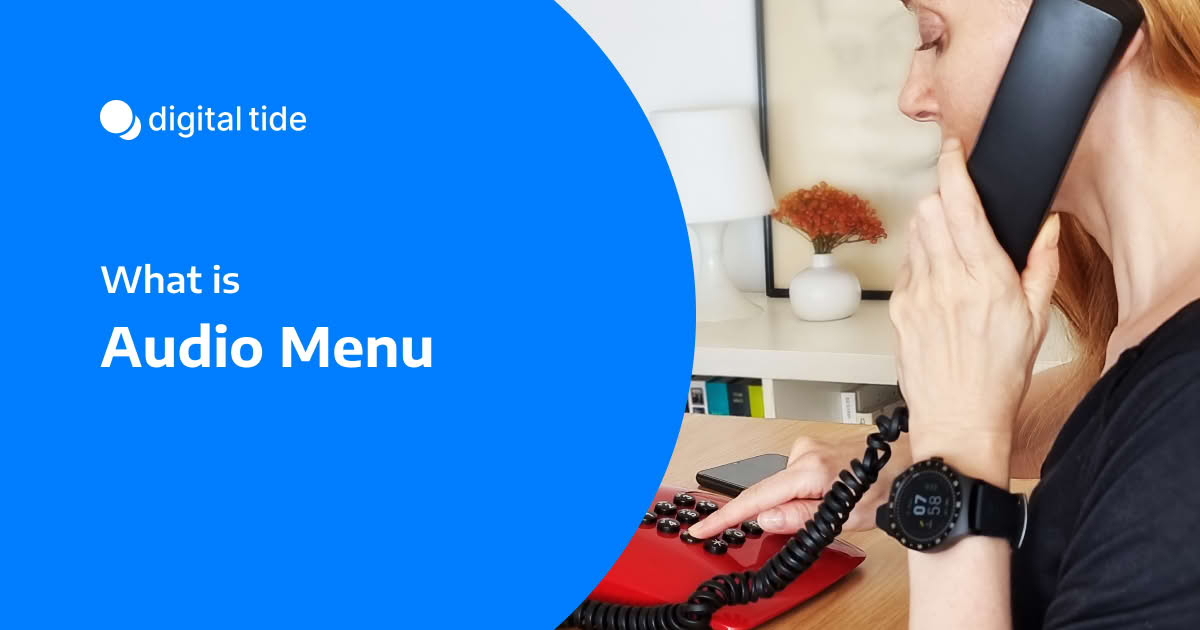
Audio Menu
An Audio Menu is a recorded set of spoken options presented to a caller, designed to guide them through a phone system. It acts as a virtual switchboard, allowing callers to self-direct to the appropriate department, person, or information without requiring a live operator.
This feature is the core component of systems like an Auto Attendant or an Interactive Voice Response (IVR). The menu prompts the caller to make a selection by providing clear instructions, such as "For Sales, press 1. For Support, press 2."
Callers can interact with an audio menu in two primary ways:
- DTMF Tones: By pressing the corresponding keys on their telephone keypad.
- Voice Commands: By speaking their choice aloud, which is then interpreted by voice recognition software.


Keep up with the latest updates
We'll send only what's worth reading — promise
Thank you! Your submission has been received!
Oops! Something went wrong while submitting the form.

Keep up with the latest updates
We'll send only what's worth reading — promise
Thank you! Your submission has been received!
Oops! Something went wrong while submitting the form.